Does my co-parent have to pay too?
No. Your co-parent joins free with an invite link or code, and one subscription covers the shared space for each of you: the calendar, expenses, messages, and payments. Either of you can be the one who subscribes. The one personal extra is the private Tax Center: it is included for the parent who created the space, and a parent who joined from an invite gets their own by adding their own plan.
Can it help at tax time?
Yes. The private Tax Center tracks 529 contributions, daycare and day camp, medical costs, kids' insurance premiums, and FSA reimbursements, and it auto-calculates medical-visit mileage from two addresses. One tap builds an accountant-ready packet for TurboTax or your CPA. It's private: your co-parent can never see it.
Can it answer questions about our parenting plan?
Yes. Upload your court order or parenting plan and a copy stays on file for your shared space. It takes a PDF or a .txt file. On the website a scanned PDF works too: where a page has little or no text of its own, AI reads it from a picture of the page, up to 40 such pages. AI can misread a word or a number, so when pages were read that way, answers remind you to check quotes against your own copy. Ask in plain words, like “Can I take the kids out of state?”, and the AI answers only from your plan, quotes the section it used, and tells you plainly when the plan doesn't cover it. It is not legal advice; for what your plan means, ask your attorney or mediator.
How does mileage for kids' activities work?
Turn on Track mileage for an event, including one that repeats: every date is its own trip. Type the place and the app looks up its address, and the event form shows the miles and each parent's half right away. After the trip, the parent who drove (by default, the one with the kids that day) confirms it, and it's added as an expense at the IRS standard mileage rate for business use for that date, always split 50/50. Or turn on Add trips automatically in Settings, and each trip is added after the date, the next time the driver opens Two Porch Lights, with a Didn't happen button to take it back out. Miles are figured from your own home address, which your co-parent never sees; they see only where the trip went and the miles.
Do we need the same kind of phone? Is there an app?
No, you do not need matching phones. Two Porch Lights works in any web browser on iPhone, Android, tablet, or computer. The iPhone app is available on the App Store today, the Android app is on Google Play, and the same account works either way.
Is there a widget for my phone's home screen?
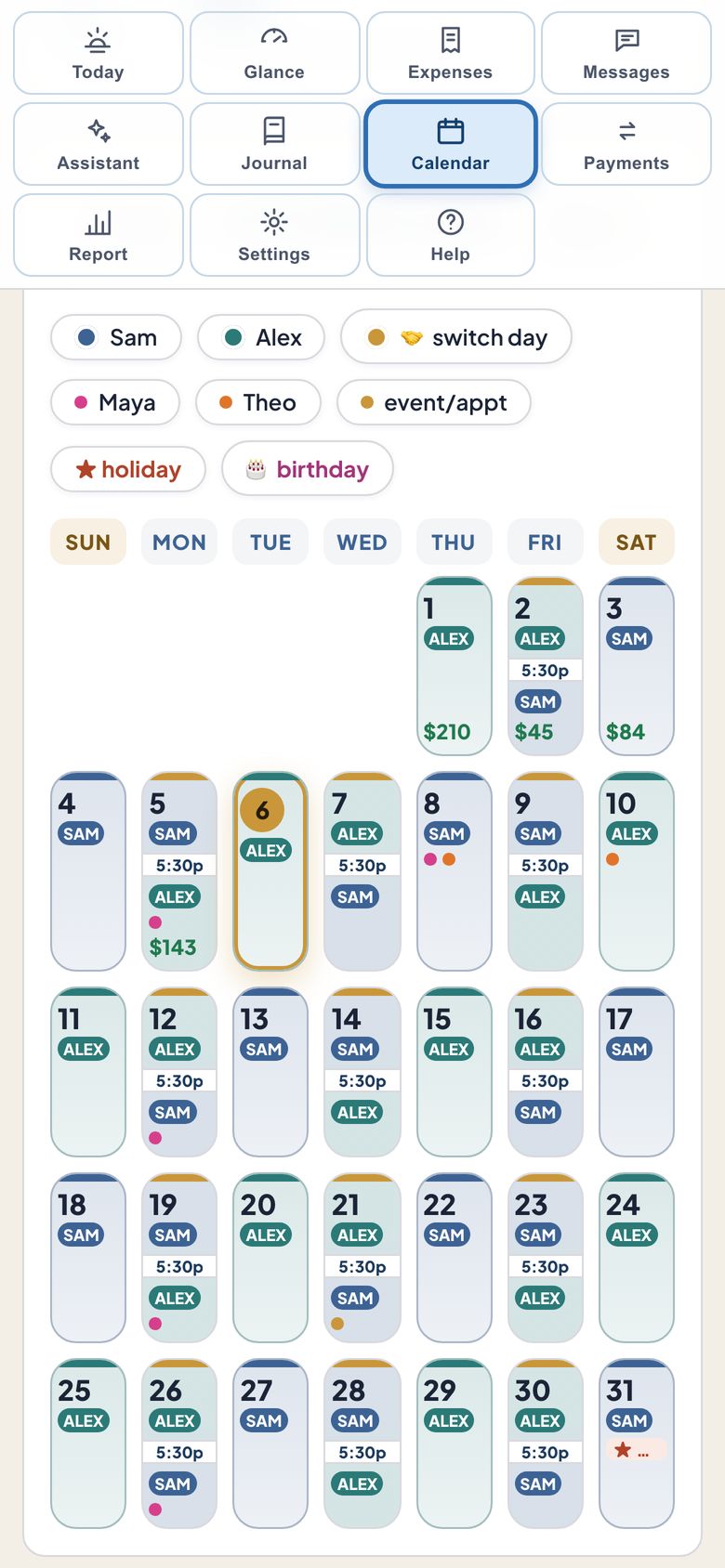
Yes. In the iPhone and Android apps you can put Two Porch Lights on your Home Screen: a small tile showing whose night it is and the next handoff, or a calendar of the days ahead, up to the whole month, colored by parent. On iPhone you can also add one to your Lock Screen. Lock Screen widgets show the schedule only and never show money.
Can I choose which notifications I get?
Yes. Settings, then Notifications, lists twelve kinds of alert, from messages and expenses to exchange check-ins and the monthly close-out, and each one has its own switch. You also choose how alert emails reach you: as things are posted, in one summary at the end of the day, or not at all. All three are on the website and in the iPhone and Android apps. If your app shows a single on/off switch for email instead, update it to the latest version, or make your choice on the website. Alerts are private by design: a notification says at most what kind of thing changed, like a new message or a payment, never the message text, a name or an amount.
Do you connect to my bank or move money?
Never. We don't link bank accounts or transfer funds between you. You settle up however you already do; we just keep an accurate, shared record of who owes whom.
What does it cost, and can I cancel?
30 days free, plus 30 more when your co-parent joins (60 days total), with no credit card. After that, keep it for $99/year or $12/month on the website, your choice. Either parent can subscribe, and one plan covers both parents. In the iPhone and Android apps you subscribe yearly or monthly through the App Store or Google Play, at the price shown there. Cancel anytime.
Is my information private?
Yes. Your data is yours, stored securely, and never sold for money. Nothing you enter in the app is used for advertising. See our Privacy Policy for details.
Can my co-parent see my journal or my address?
No. Your private journal, your Tax Center and your Assistant chats are visible only to you, and the home address you save for mileage is never shown to your co-parent. A mileage trip does show them where the trip went and the miles driven. Your co-parent sees the shared space: the calendar, expenses, payments, messages, exchange check-ins, kid info and the parenting plan copy if one is on file. They also see the email address you sign in with, next to the messages you send. The longer list is on our page for an invited parent.
Is my co-parent told when I sign up?
No. Signing up does not notify your co-parent, and you decide when to invite them. If you sign up from an invite link they sent, you join the shared space once your email is confirmed; they can then see that you joined, and are alerted if their alerts are on. For 72 hours after someone joins, the parent who created the space can remove them, in case the wrong person joined.
What if my co-parent will not use it?
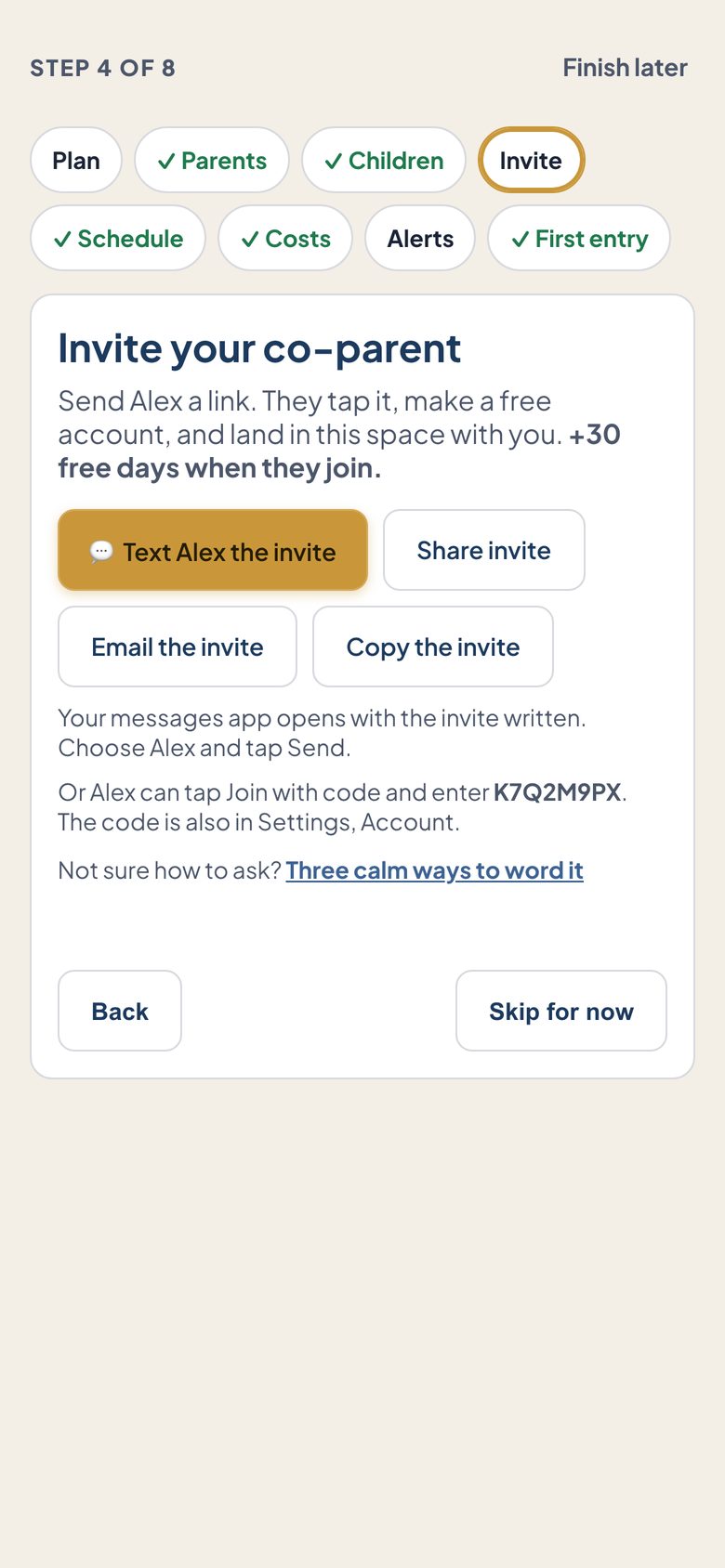
It still works for you on its own. You can log expenses, track the schedule, keep your journal and exchange check-ins, and export PDF and CSV records, all without the other parent ever joining. Nothing you enter depends on them. If they join later with your invite link or code, everything you have already recorded is there waiting, and the shared view switches on from that point. Your private journal stays visible only to you. Not sure how to bring it up? See how to ask your co-parent for three ready-to-send messages.
Can I share our records with an attorney or mediator?
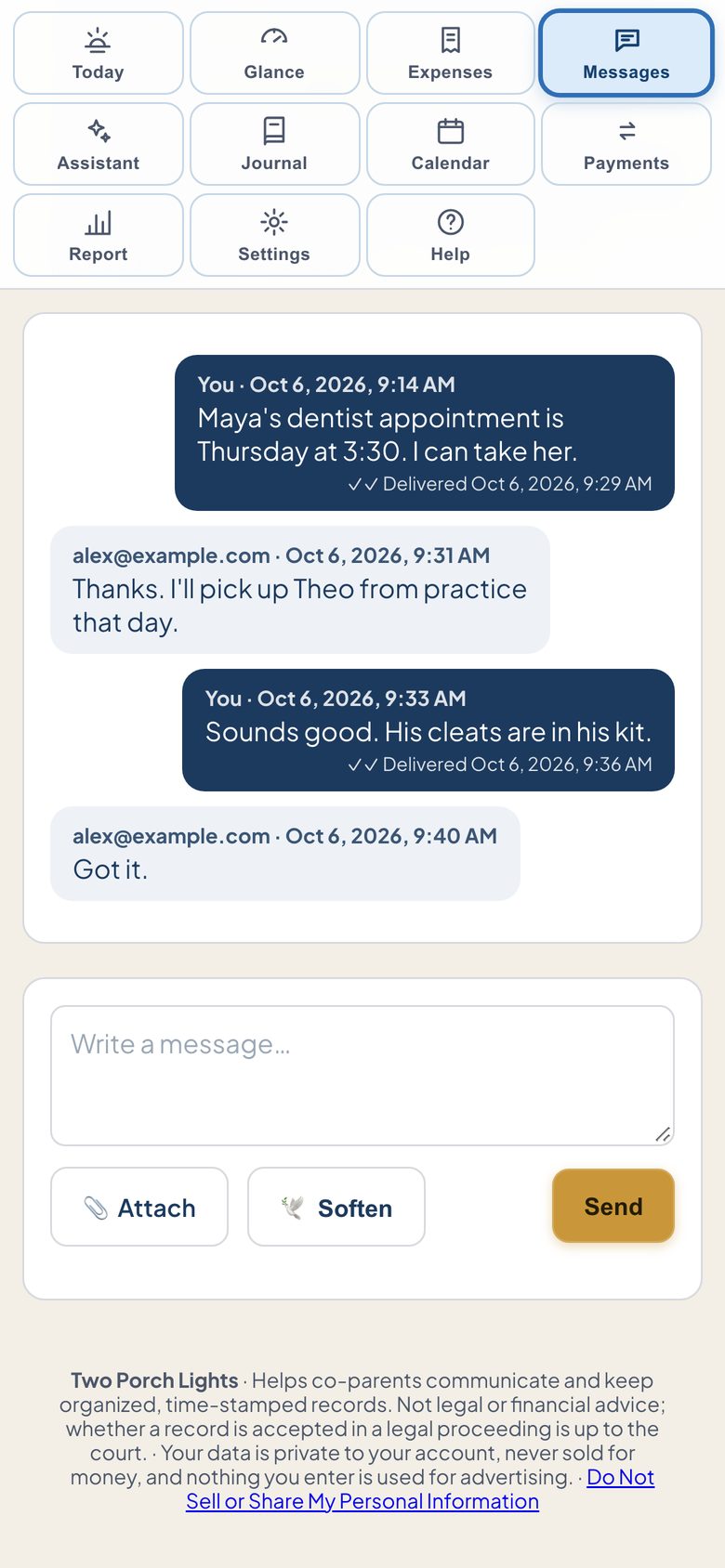
Yes. Each message sent in Two Porch Lights is time-stamped by our server when it is saved, not by the sender's phone, so nobody can backdate a message or change its time. Messages imported from TalkingParents keep the original date from that service's export file and are labeled as imported. There is no way for either parent to edit, unsend, or delete a single message. The one exception: if a parent deletes their Two Porch Lights account, the messages they sent are removed from the shared thread, and when the last member of a shared space deletes their account, the whole space is deleted. You can download the message log as a PDF, every message or a chosen date range, and every page carries a watermark with the name on the signed-in account, plus the download date and time and page numbers. While your plan or free trial is active, you can also create an expiring, read-only access code that shows your attorney or mediator the message log alongside every expense and payment on record, on one page they can print or save as a PDF. We are not a law firm, and nothing here is legal or financial advice. Whether any record is accepted or given weight in a legal proceeding is up to the court. Follow your attorney's guidance and confirm details against your own court order.
What happens to my records if I cancel?
They stay yours. If your subscription ends, your space becomes read-only: your records stay readable and exportable. The message log downloads as a PDF, and expenses and payments export month by month as PDF or CSV. Creating a new attorney access code needs an active plan or trial. If you delete your account outright, the messages you sent are removed from the shared thread and your private journal is removed too, and if you are the last member of your shared space, the whole space is deleted, so export anything you want to keep first.